| Step 1 |
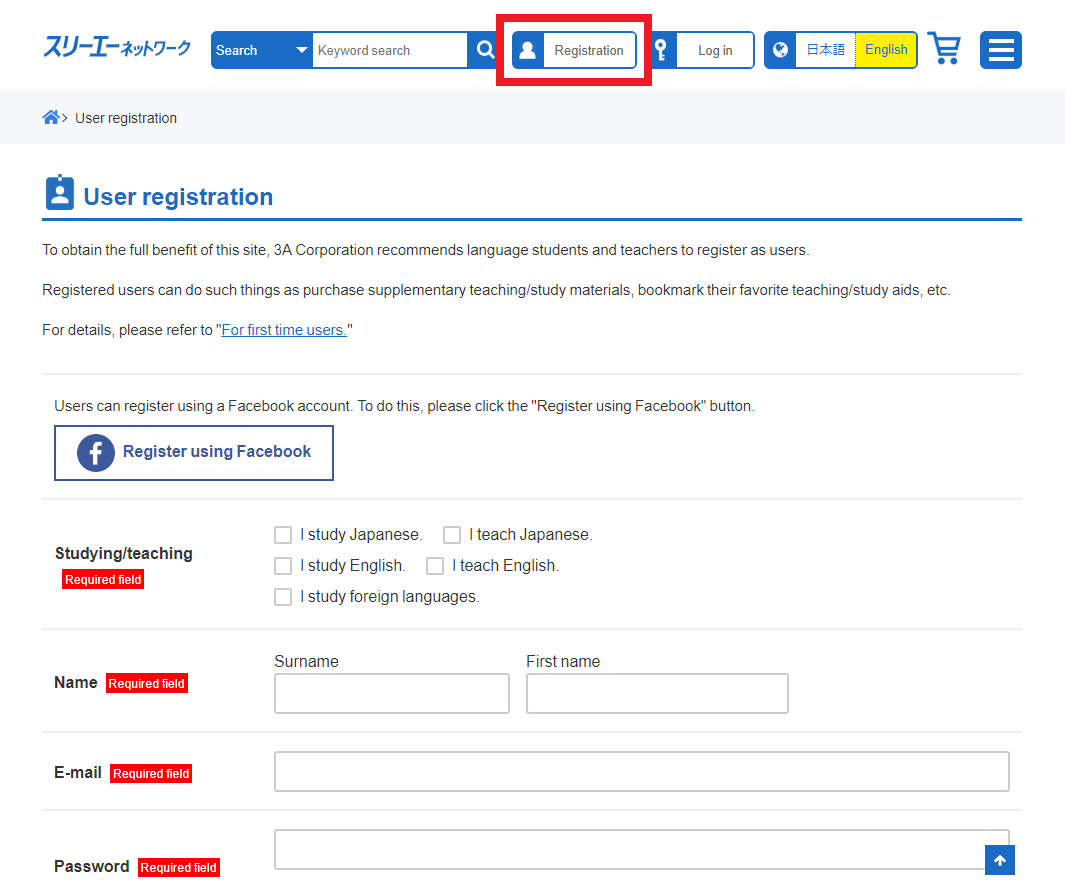 User registration User registration |
| Step 2 |
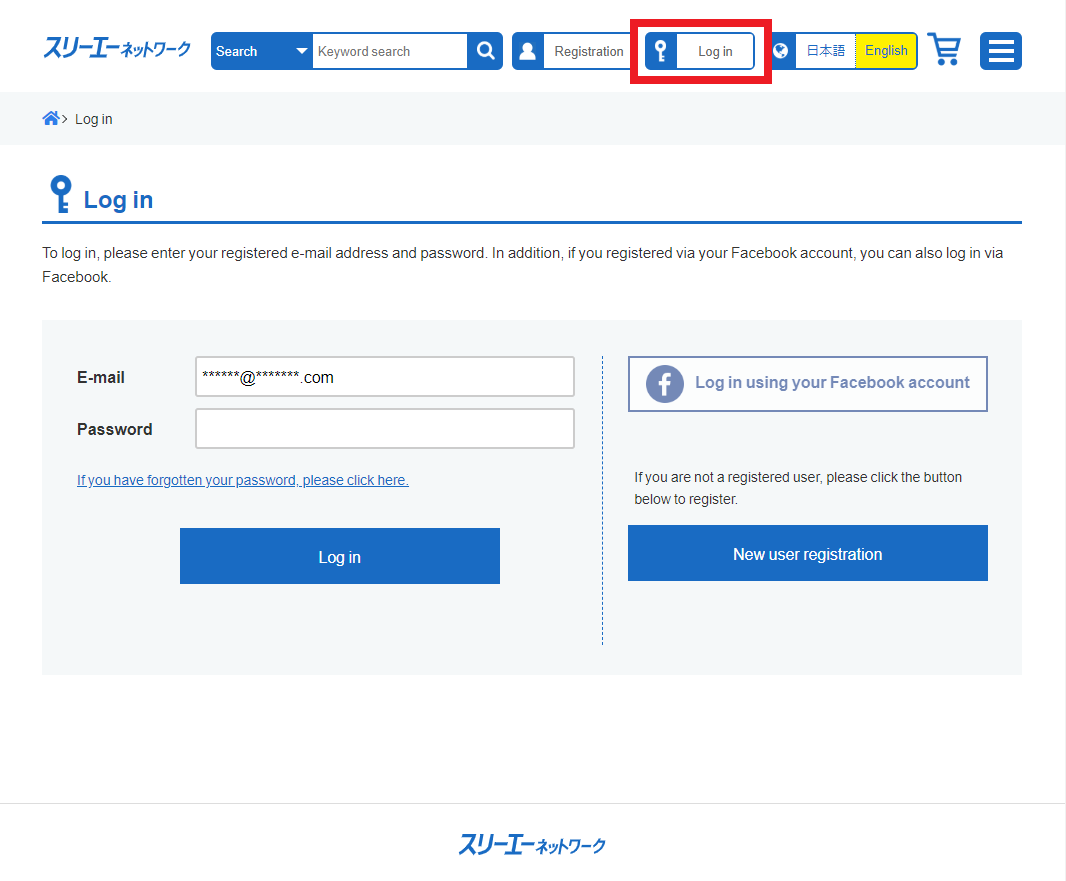 Log in Log in |
| Step 3 |
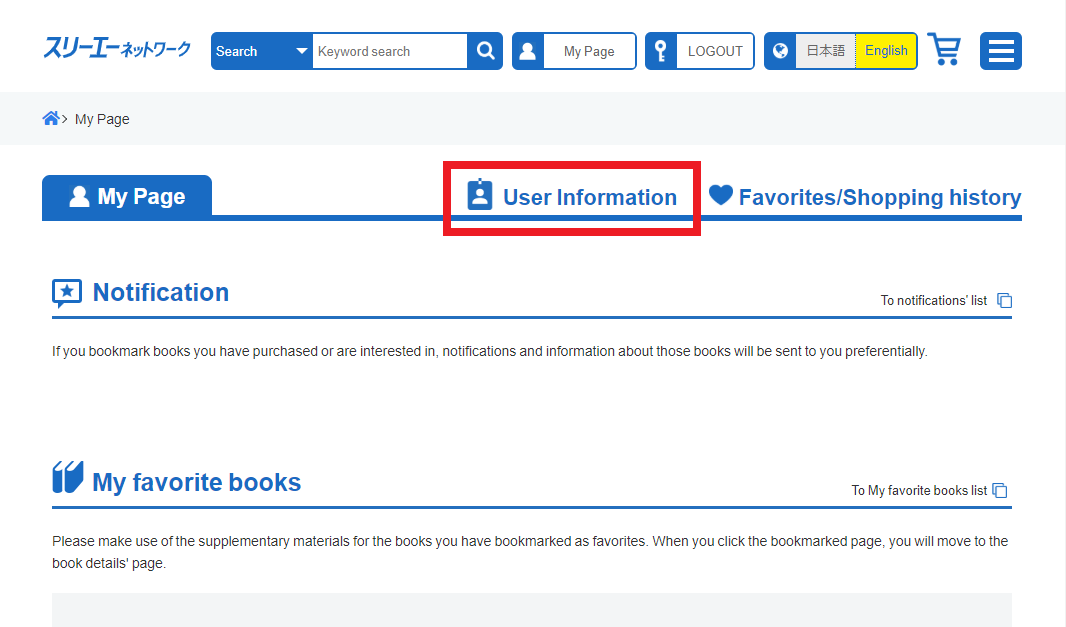 Change user information Change user information |
| Step 4 |
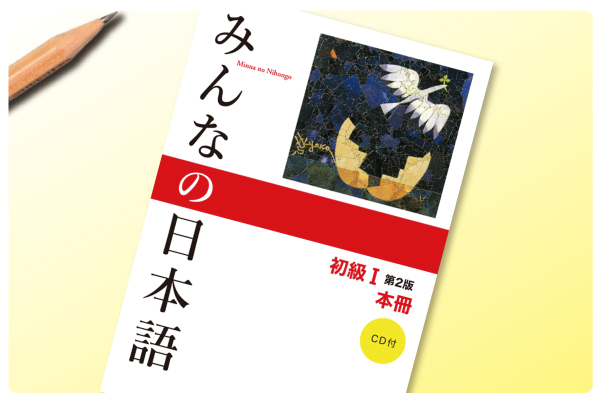
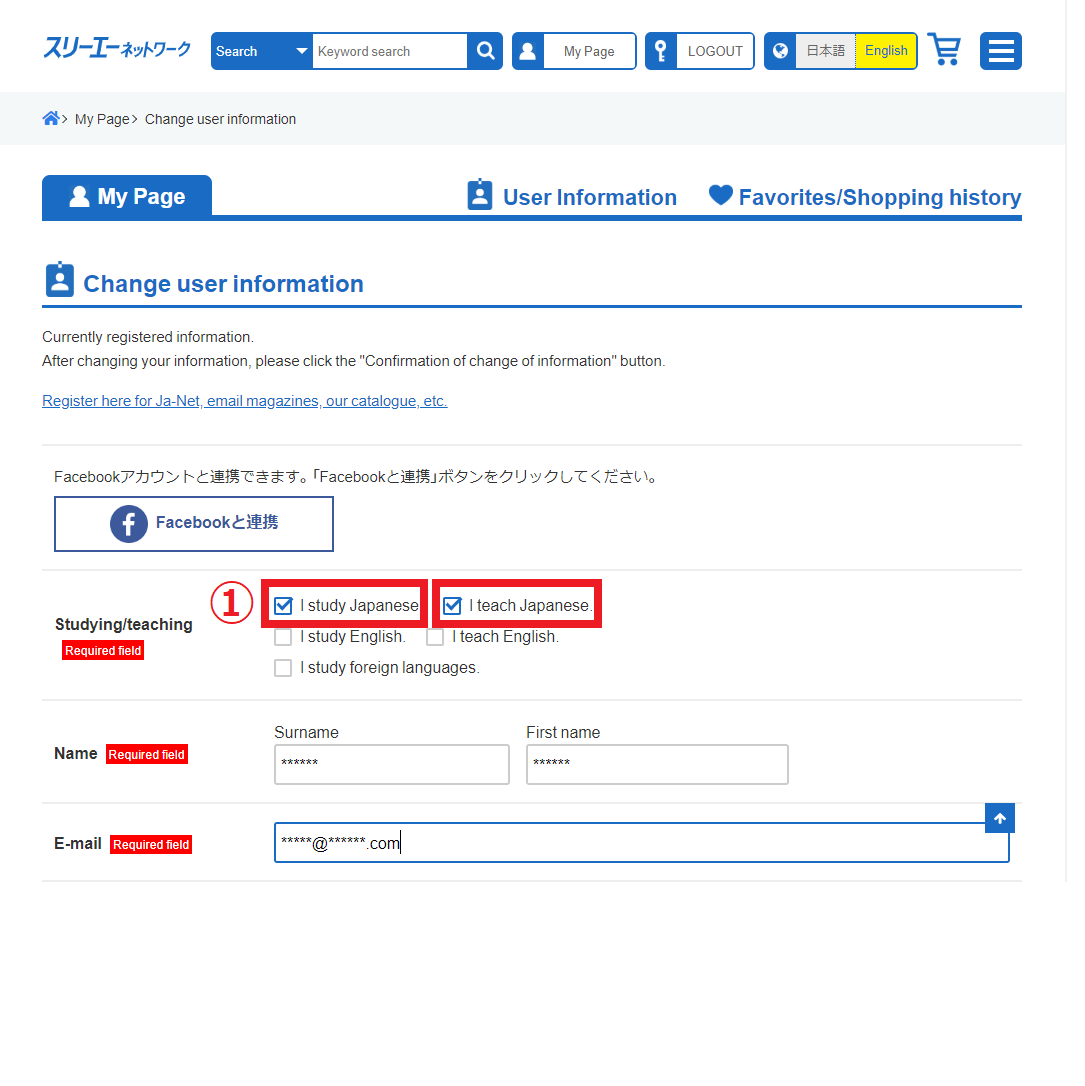 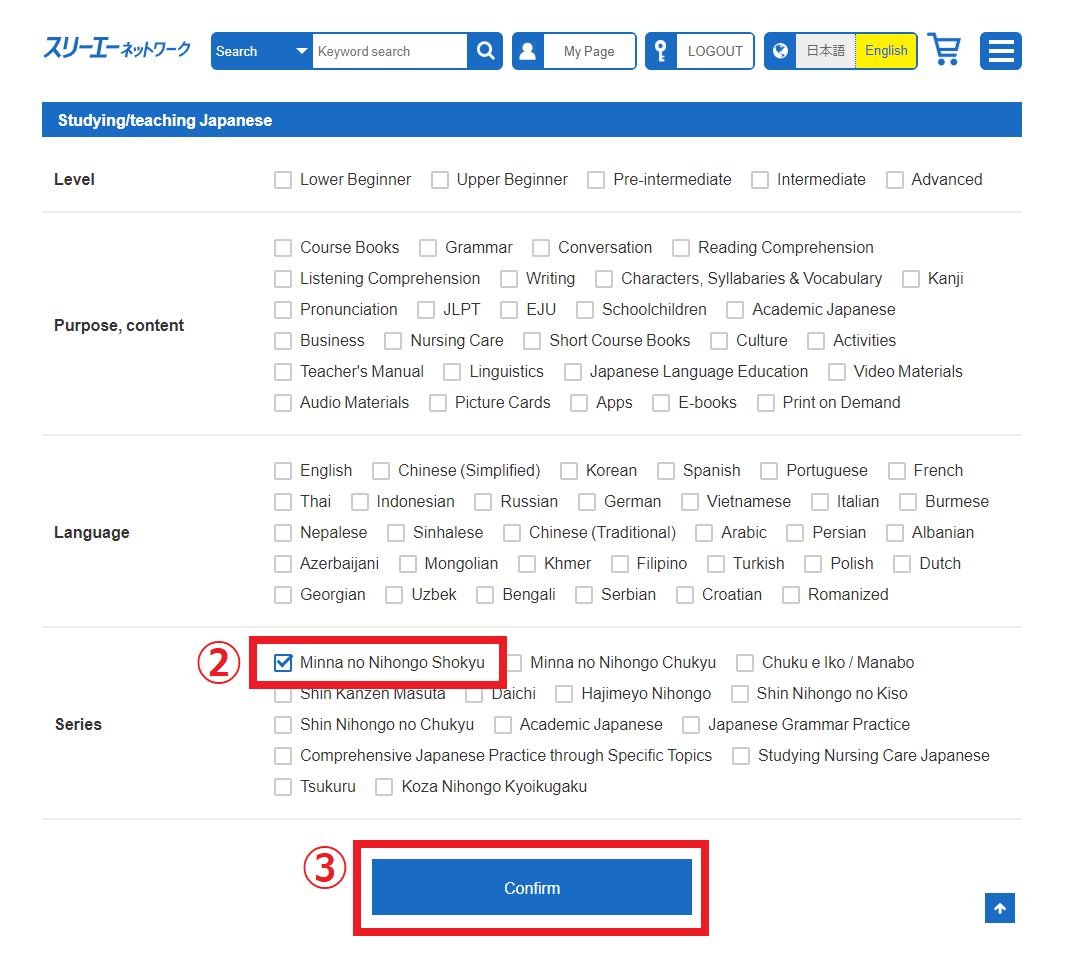 1. Click the check-box of “I study Japanese” or “I teach Japanese” 1. Click the check-box of “I study Japanese” or “I teach Japanese”2. Click the check-box of “Minna no Nihongo Shokyu” 3. Click the “Confirm” button 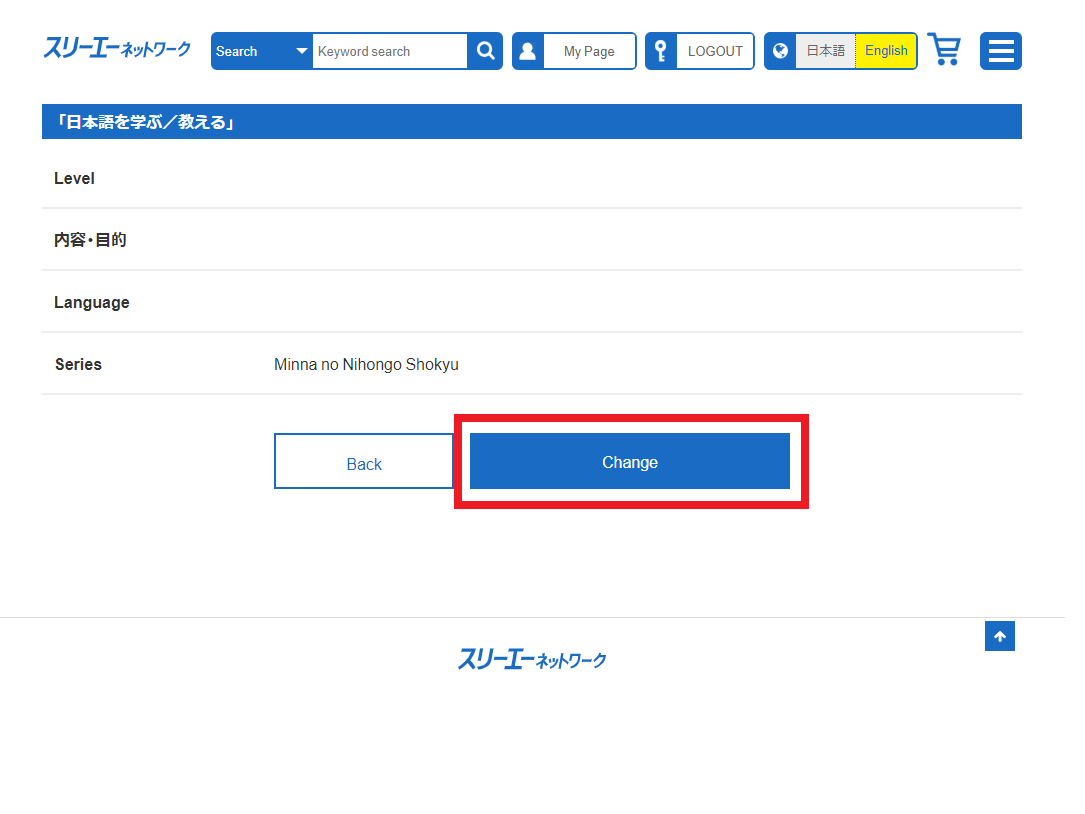 Click the “Change” button Click the “Change” button |
| Step 5 |
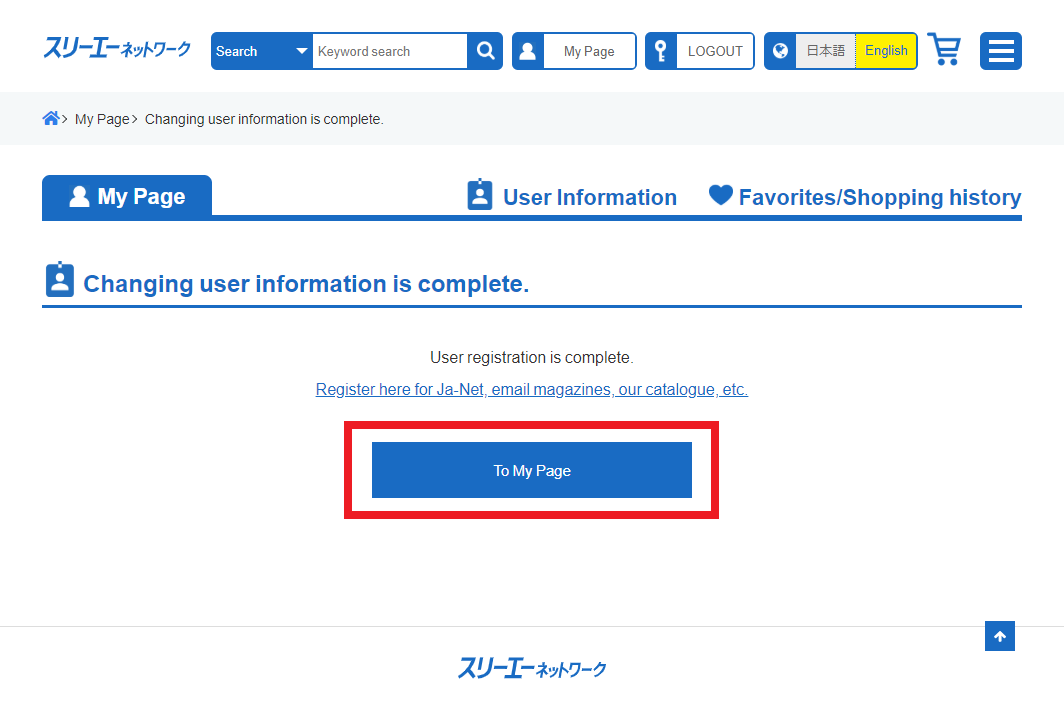 Click the “To My Page” button Click the “To My Page” button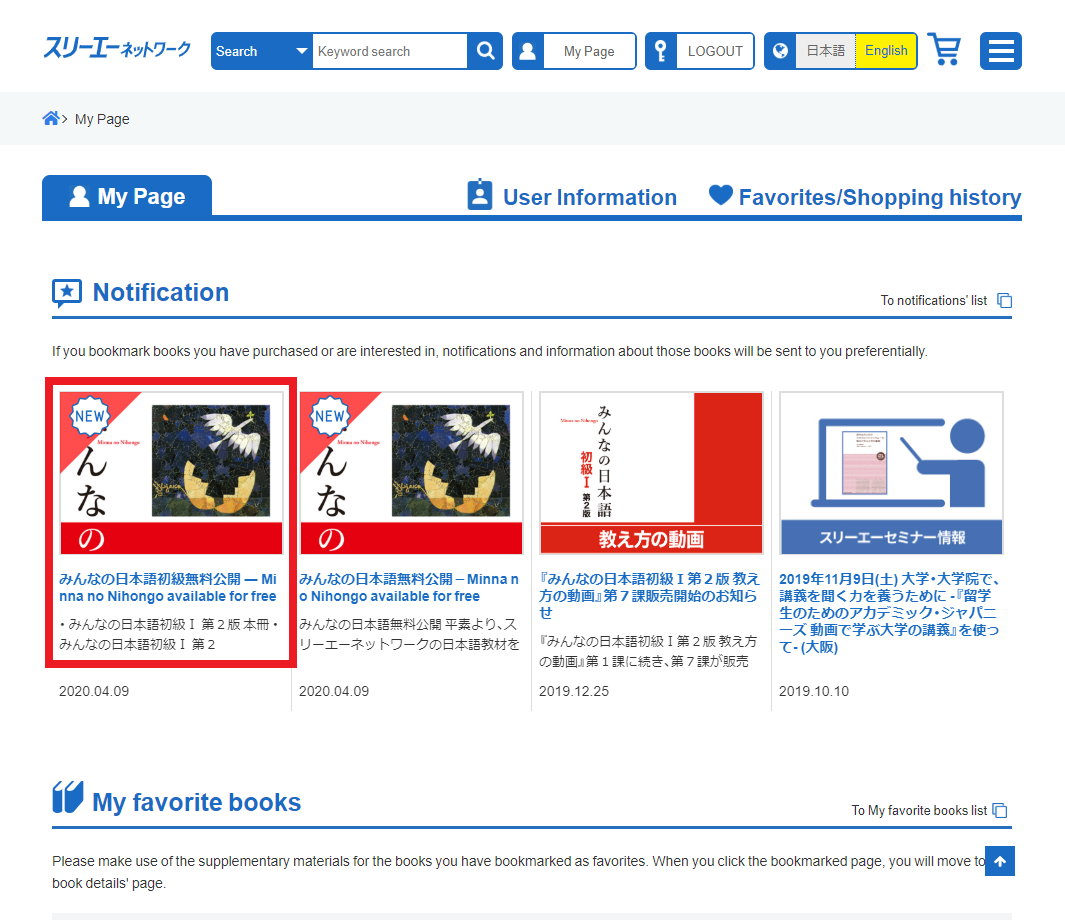 Click the information Click the information |
Ja-Net 115号 2025/10/25発行
2026.01.23